
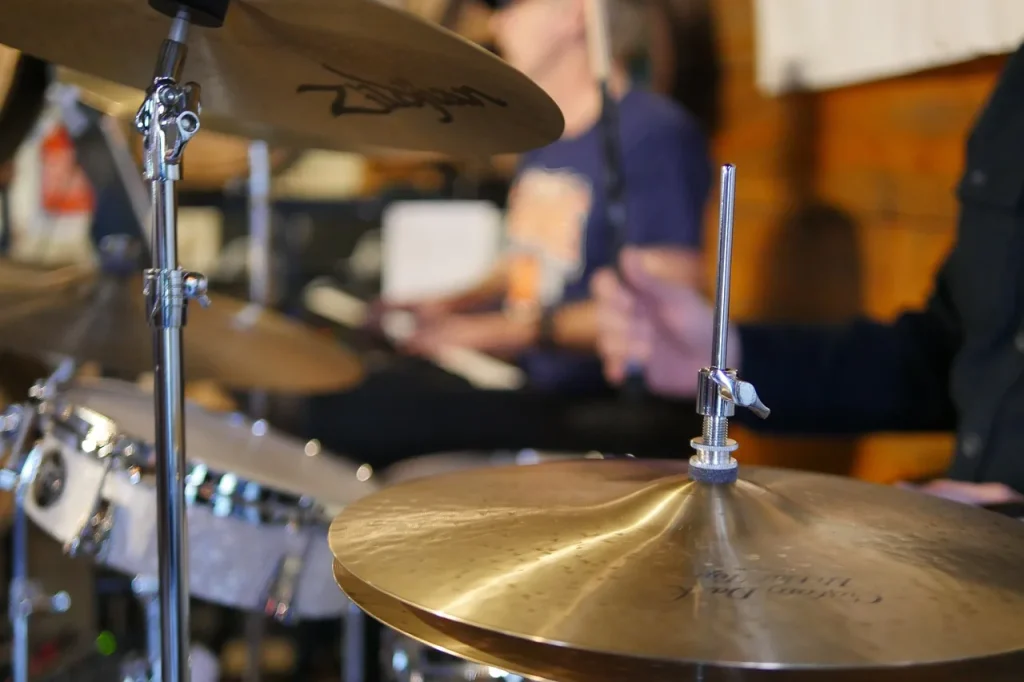
Discover how to build your ideal percussion setup with our practical guide for beginners and percussion experts. Whether you are a beginner looking to explore the world of percussion or a professional seeking new tools and new ways to create music, our guide will provide the information you need to achieve your goals.
Learn how to choose the right instruments, from drums and cymbals to shakers and congas. Explore virtual instruments and samples to expand your sound collection. Discover the benefits of collaborative tools that allow you to work with other musicians wherever they are in the world.
You will also find information about exclusive sound packs, as well as mixing tools and mastering tools for achieving professional-quality sound. Whether you are interested in jazz, rock, electronic music, or any other genre, our guide will help you create your own sound.
Start building your unique percussion setup today. Whether you are an enthusiastic beginner or a seasoned percussionist, our guide will support you throughout your musical journey. Explore the various options, refine your technique, and create the music that inspires you.
Mixing and Vocal-Editing Tools
Discover the powerful mixing and vocal-editing tools featured in our guide. Use effects such as Reverb, Distortion, EQ, Delay, and Compressor to improve the sound of your percussion. Explore our pitch-correction software to achieve professional-quality vocals. Learn how to use automation and beatmaker patterns to create unique beats. Connect your equipment and start mixing your percussion music.
When it comes to creating a professional mix, choosing the right mixing tools is crucial. Mixing tools allow you to adjust sound levels, improve clarity, and create a good frequency balance. Vocal-editing tools help you correct imperfections and achieve high-quality vocal performances. Here are some popular tools you can use:
- Reverb: the reverb effect adds depth and space to your recordings by simulating the acoustics of a real environment. It can give your percussion a richer, more immersive sound. Using different reverb parameters, such as reverb time and diffusion level, you can adjust the effect to suit your preferences.
- Distortion: the distortion effect adds saturation and warmth to your percussion sounds. It can be used to give your mix character and energy. You can control the amount and type of distortion to achieve the sound you want.
- EQ: the equalizer allows you to control the frequencies of your percussion. You can boost or cut the lows, mids, and highs to balance the overall sound. EQ is essential for removing unwanted frequencies and creating a clean, balanced mix.
- Delay: the delay effect adds an echo to your percussion by repeating the original sound. This can add depth and interest to your recordings. You can adjust the delay time, feedback level, and other parameters to achieve the desired effect.
- Compressor: the compressor allows you to control the dynamics of your percussion. It reduces volume peaks and boosts quieter parts, creating a more consistent sound. The compressor can be used to add power and impact to your mix.
In addition to these effects, you can use pitch-correction software to adjust the pitch of vocals in your recordings. This software is useful for correcting mistakes, improving the intonation of vocal performances, and achieving a professional sound. Be sure to explore the features available in these mixing and vocal-editing tools to get the most out of your percussion recordings.
As you explore mixing and vocal-editing tools, remember to experiment with automation and beatmaker patterns. Automation allows you to control each track’s parameters over time, thereby creating gradual changes in your mix. Use beatmaker patterns to create complex rhythmic motifs and unique percussion sequences.
Overall, mixing and vocal-editing tools are essential for achieving a professional sound in your percussion recordings. Explore the various features and techniques available in these tools to refine your mix and bring your musical compositions to life.
The Basics of Audio Mixing
Dive into the basics of audio mixing with our guide. Discover the different techniques used, such as EQ, compression, and reverb, to get the most out of your percussion recording.
Learn how to balance levels, adjust panning, and create sonic space using these techniques. Get advice on choosing the right digital audio workstation and mastering your preferred DAW software.
Experiment with equalizers and discover how to sculpt your mix for the best possible sound.
Build Your Ideal Roland Keyboard Setup
Discover how to build your ideal Roland keyboard setup with our guide. Whether you are a beginner or a professional, find the model that best suits your needs. Roland keyboards offer a variety of features, physical controllers, and drum pads that will help you create exceptional music.
See the table below to discover the different Roland keyboard models and their features:
| Model | Features |
|---|---|
| FA-08 | Performance keyboard, workstation |
| JUNO-DS61 | Portable synthesizer |
| JUPITER-X | Powerful synthesizer with Zen-Core sound engine |
| FANTOM-6 | High-end workstation with built-in sampler |
You can also combine two Roland keyboard models to achieve spectacular results at an affordable price. Unleash your creativity with these professional-quality instruments.
Hear what professional musicians who use Roland products have to say about staying at the top of their craft:
“Roland keyboards are essential to my stage setup. Their reliability and sound quality make all the difference during my live performances.” — Marc Dupont, professional pianist
Start building your ultimate Roland keyboard setup now. Explore the endless possibilities offered by these world-renowned instruments. Learn more by clicking here: https://www.roland.com/global/categories/keyboards/
Conclusion
In conclusion, our percussion guide gives you all the information you need to build your ideal percussion setup, master mixing and vocal-editing tools, understand the basics of audio mixing, and build your Roland keyboard setup. Whether you are a beginner or a professional, this guide provides the knowledge and advice you need to develop your percussion skills and create professional-quality music.
Start your journey into the world of percussion today and explore all the musical possibilities available to you. With our guide, you will be able to create captivating percussion recordings and let your musical creativity shine. Whether you want to build a unique percussion setup, master audio mixing, or choose the best Roland keyboards, you now have everything you need to succeed.
Whether you want to become a professional percussionist, produce your own tracks, or simply have fun playing percussion, feel free to return to our guide at every stage of your journey. We wish you every success in your musical adventure and hope that our percussion guide remains a valuable resource for you.
FAQ
What tools do I need to build my percussion setup?
To build your percussion setup, you will need a drum kit, cymbals, snare drums, hand percussion instruments, and bass-drum pedals.
What virtual instruments are available for creating music online?
Many virtual instruments are available, including synthesizers, drum machines, and samplers, allowing you to create music online without having to buy physical instruments.
Where can I find royalty-free sounds for my percussion music?
You can find royalty-free sounds on websites specializing in sample downloads, such as Splice, Loopmasters, and Native Instruments.
How do collaborative features work for creating music online?
Collaborative features allow you to work remotely with other musicians. You can share files, collaborate on projects, and exchange ideas to create music together wherever you are.
How can I achieve professional-quality sound when mixing and mastering my percussion music?
To achieve professional-quality sound, you can use mixing and mastering tools such as EQ, compression, and reverb plugins. You can also hire a professional sound engineer to help you achieve the sound you want.
How can I use vocal-mixing effects to improve the sound of my percussion?
You can use effects such as reverb, distortion, equalization, delay, and compression to improve the sound of your percussion and create interesting, unique sound effects.
What basic audio-mixing techniques can enhance my percussion recording?
Basic audio-mixing techniques include using equalization to balance frequencies, compression to control dynamics, and reverb to create sonic space. These techniques will help enhance your percussion recording.
How do I choose the right digital audio workstation for mixing my percussion music?
To choose the right digital audio workstation, you should consider your needs and personal preferences. Compare the features, user interface, and plugin compatibility to find the DAW that suits you best.
What is an ideal Roland keyboard setup?
An ideal Roland keyboard setup depends on your needs and musical style. You can choose from the wide range of synthesizers, workstations, and physical controllers offered by Roland to create your customized setup.
How can I combine two Roland keyboard models to achieve spectacular results?
To combine two Roland keyboard models, you can use MIDI or USB cables to connect both instruments to your computer or another control device. This will allow you to create complex sound layers and achieve unique sonic results.